Essential & Management
DIPLOMA IN OFFICE AUTOMATION
This comprehensive course on DIPLOMA IN OFFICE AUTOMATION provides students with essential knowledge and practical skills required in today's competitive job market. The curriculum includes theoretica...
Duration: 6 Months / 120 hrs
Certificate: ISO Certified
₹5,000
About This Course
Course Overview
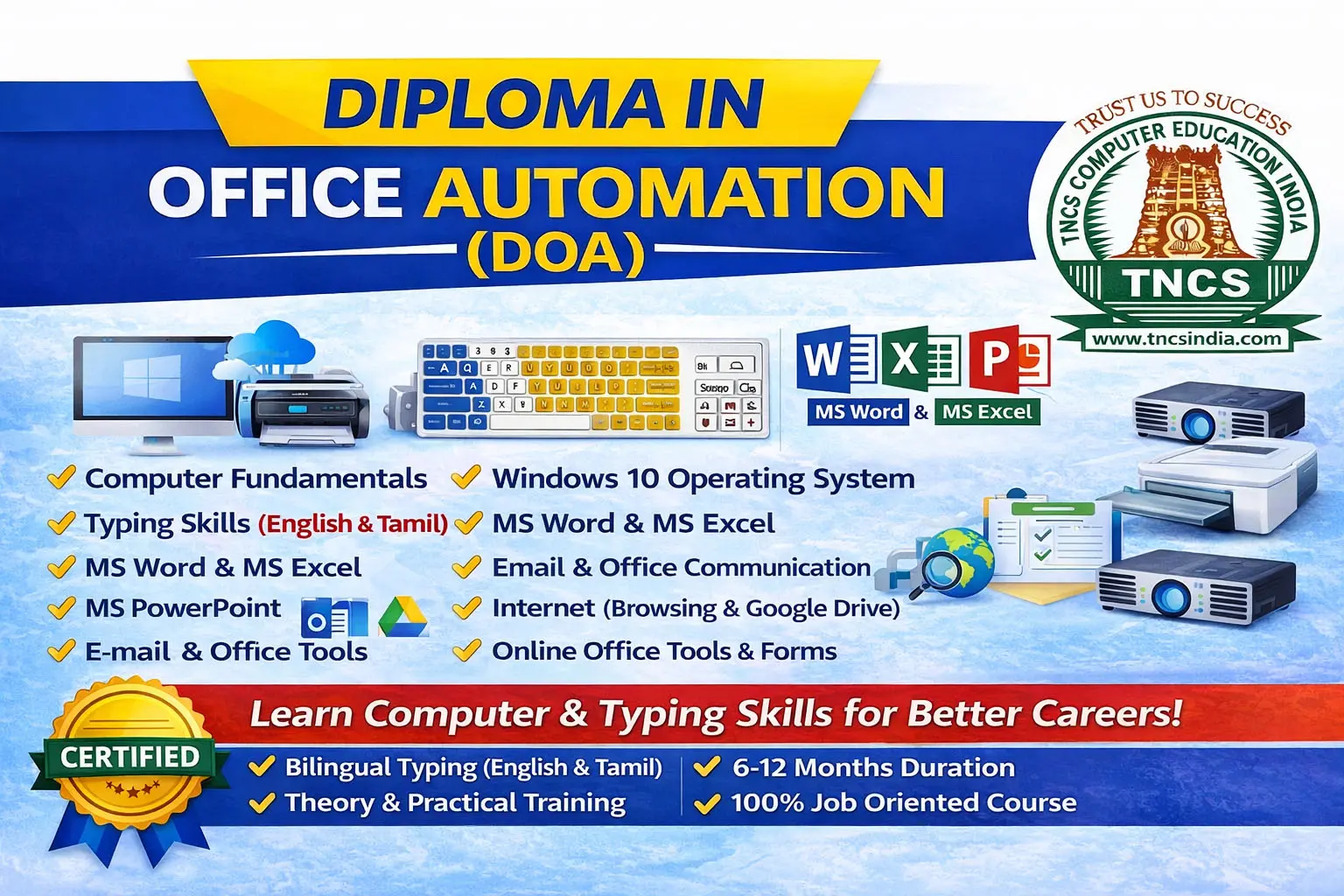
The Diploma in Office Automation (DOA) is a comprehensive computer course designed to develop essential office and computer skills required in modern workplaces. This course provides practical knowledge of computer fundamentals, operating systems, internet usage, and Microsoft Office applications used in daily office tasks.
Industries Where You Can Work
• Corporate Offices
• Schools & Colleges
• Banks & Financial Institutions
• Hospitals
• Government Offices
• Small & Medium Businesses
• IT & Service Companies
Students will learn how to create professional documents, manage data in spreadsheets, design effective presentations, and handle basic database operations. The course focuses on improving productivity, digital literacy, and office management skills, making students ready for administrative, clerical, and data management roles.
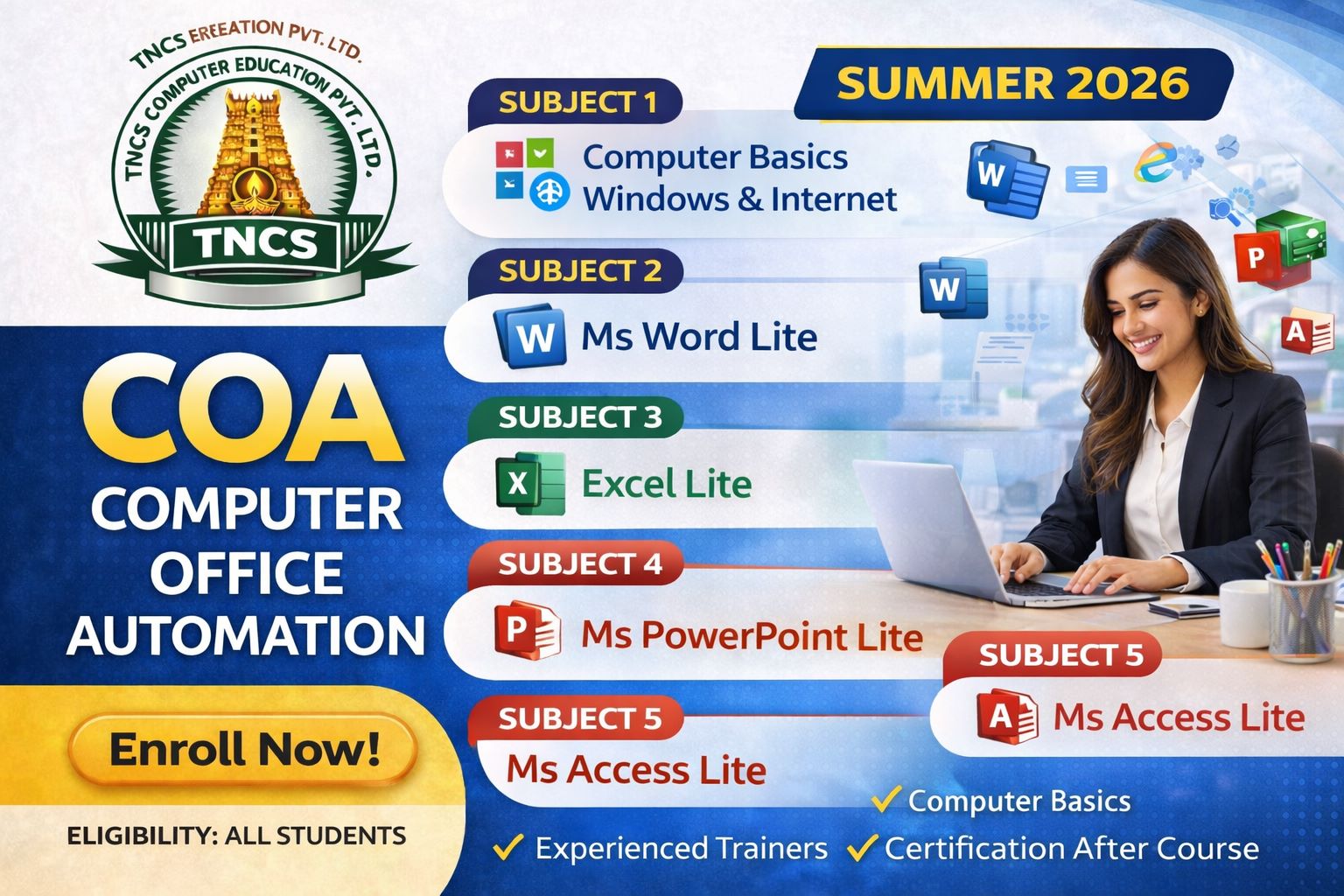
The program begins with Computer Fundamentals, Windows 10, and Internet basics, where students understand computer components, operating systems, file management, and safe internet usage.
The course then covers Microsoft Word 2020, which teaches students to create, edit, and format professional documents such as letters, reports, and office forms.
In Microsoft Excel 2020, students learn spreadsheet management, formulas, data analysis, and chart creation for business and office calculations.
The Microsoft PowerPoint 2020 module focuses on creating visually attractive presentations using slides, animations, images, and charts for meetings and seminars.
Finally, Microsoft Access 2020 introduces students to database management, including creating tables, queries, forms, and reports for organizing and managing office data efficiently.
By the end of this course, students will gain strong practical skills in office software, enabling them to work confidently in modern digital office environments.
Syllabus
Course Curriculum
01
Computer Fundamentals, Windows 10 & Internet
- 1: Introduction to Computers
- 2: Computer Hardware & Software
- 3: Windows 10 Operating System
- 4: Internet Basics
02
Microsoft Word 2020
- Introduction to MS Word
- Editing Documents
- Formatting
- Working with Objects
- Advanced Features
03
Microsoft Excel 2020
- Introduction to Excel
- Data Management
- Formulas and Functions
- Charts
- Data Tools
04
Microsoft PowerPoint 2020
- Introduction to PowerPoint
- Slide Management
- Working with Content
- Animation and Effects
- Presentation Delivery
05
Microsoft Access 2020
- Introduction to MS Access
- Tables
- Queries
- Forms
- Reports
06
Data Entry with Soft Skills
- Data Entry Skills
- Soft Skills Development
Career Paths
Career Opportunities
Computer Operator
Office Assistant
Documentation Executive
Front Office Executive
Back Office Executive
Data Entry Operator
Eligibility & Requirements
10th Pass or equivalent
More Courses
More at EESAN INSTITUTE OF COMPUTER EDUCATION
Explore other courses offered at this center
Ready to Start Learning?
Join EESAN INSTITUTE OF COMPUTER EDUCATION and kickstart your career today.